
Create color-by-number books
from your own photos.
Upload a photo, pick a pattern, and download print-ready numbered pages — right in your browser.
No account needed to try · No credit card ·


Three steps to a finished book
Upload images
Drag in up to 100 PNGs or JPGs — single shots or an entire themed folder at once.
Pick pattern & palette
Choose from 10 pattern options per page and tune cell size and color count to your audience.
Export PDF / ZIP
Assemble a print-ready coloring book in one click, or download every page individually.
Turn a photo into a coloring page right now — free, no account
Upload a photo and use the real converter in your browser. Nothing is uploaded to a server — conversion runs on your machine.
JPG, PNG, or WebP · up to 12 MB
Processed in your browser, never uploaded
Use images you own or have permission to use
The preview is the real converter — switch patterns, zoom, and inspect the color key. Exporting a 300-DPI, KDP-ready PDF happens in the Studio, free with every account.
Watch one image become a printable mosaic.
Thirty seconds, no sound needed. The same image is converted into a numbered page, filled in as color-by-number, and finished as a mosaic — then shown across Mosaci Studio’s pattern range.
- 01
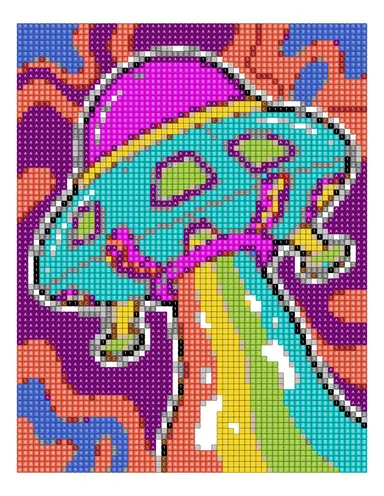
Source image
The photo or illustration you bring — nothing is uploaded to a server.
- 02
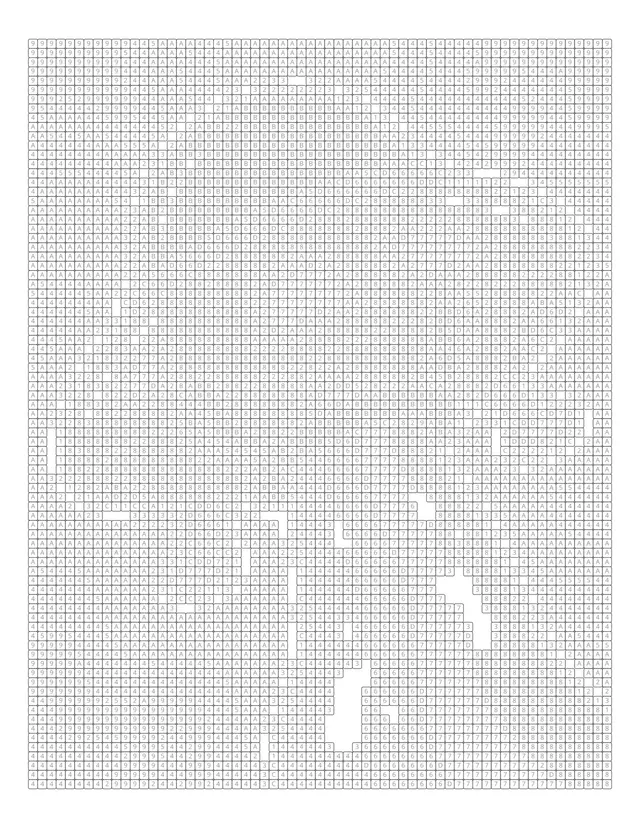
Numbered page
A printable 300 DPI page in any KDP trim size, ready for KDP or your own printer.
- 03
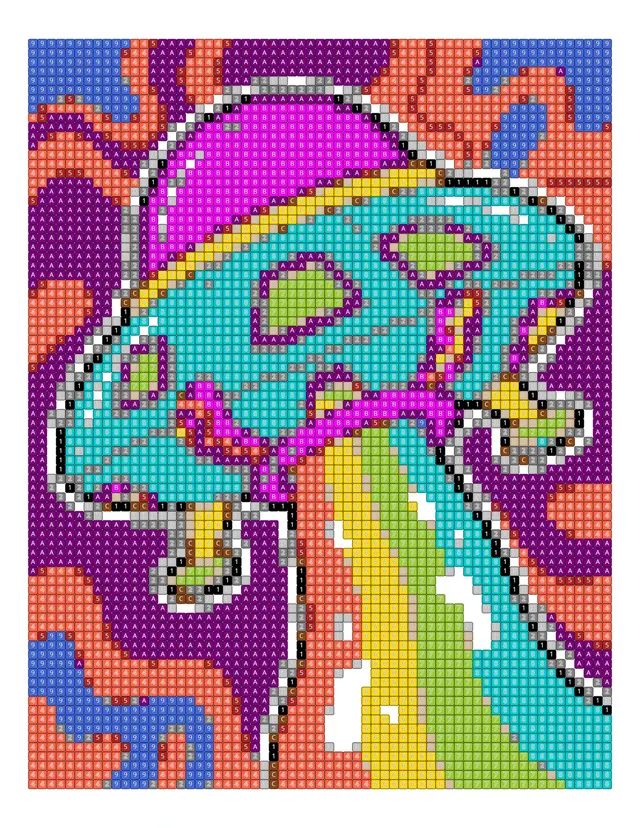
Color by number
Every cell carries a number against a color key generated from the image.
- 04
Mosaic
The finished artwork — and the same image across 10 pattern options.
One photo, 10 ways to color it
Pick a pattern to see it on a real conversion. Switch per page, or let Auto mix them across the book.
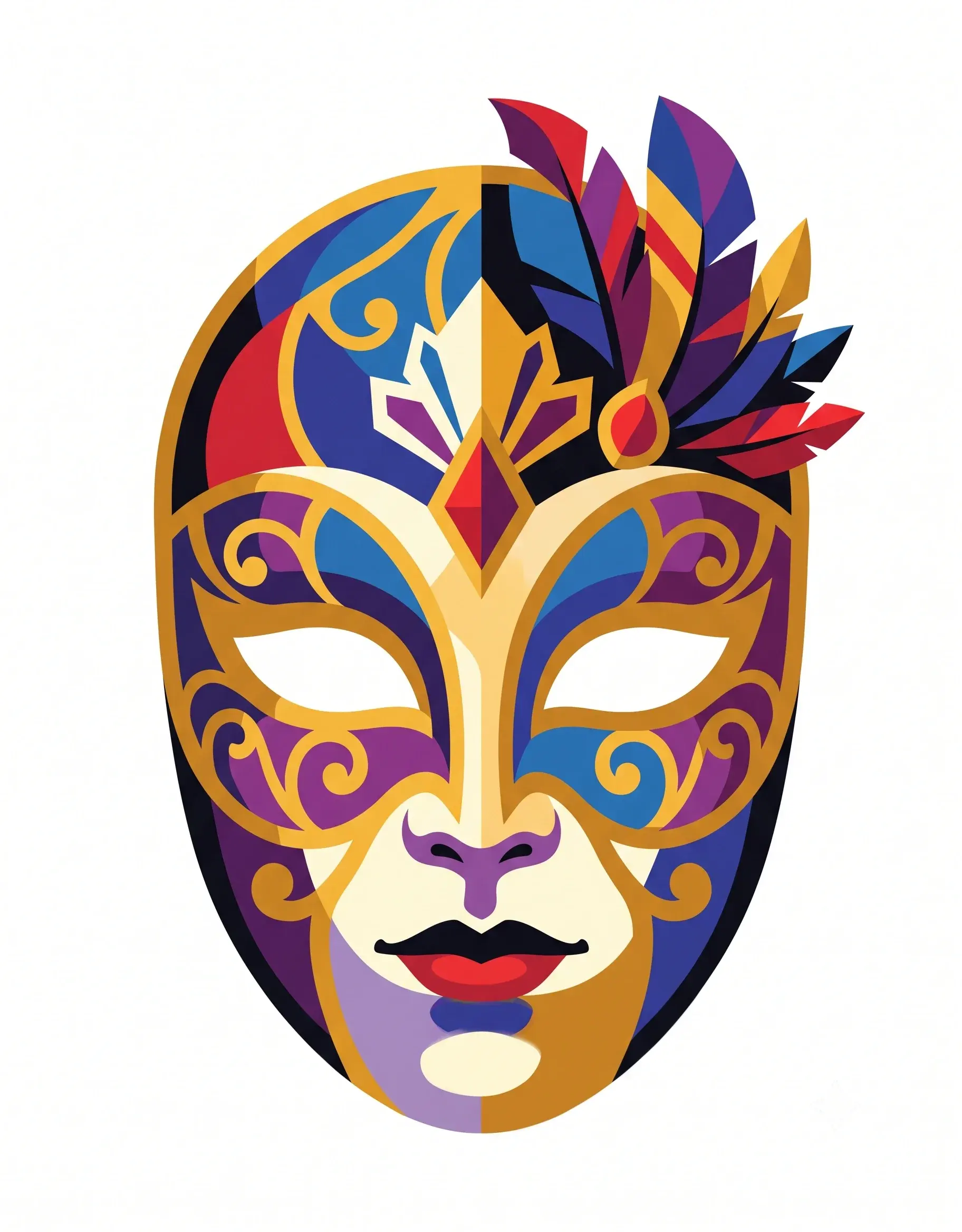
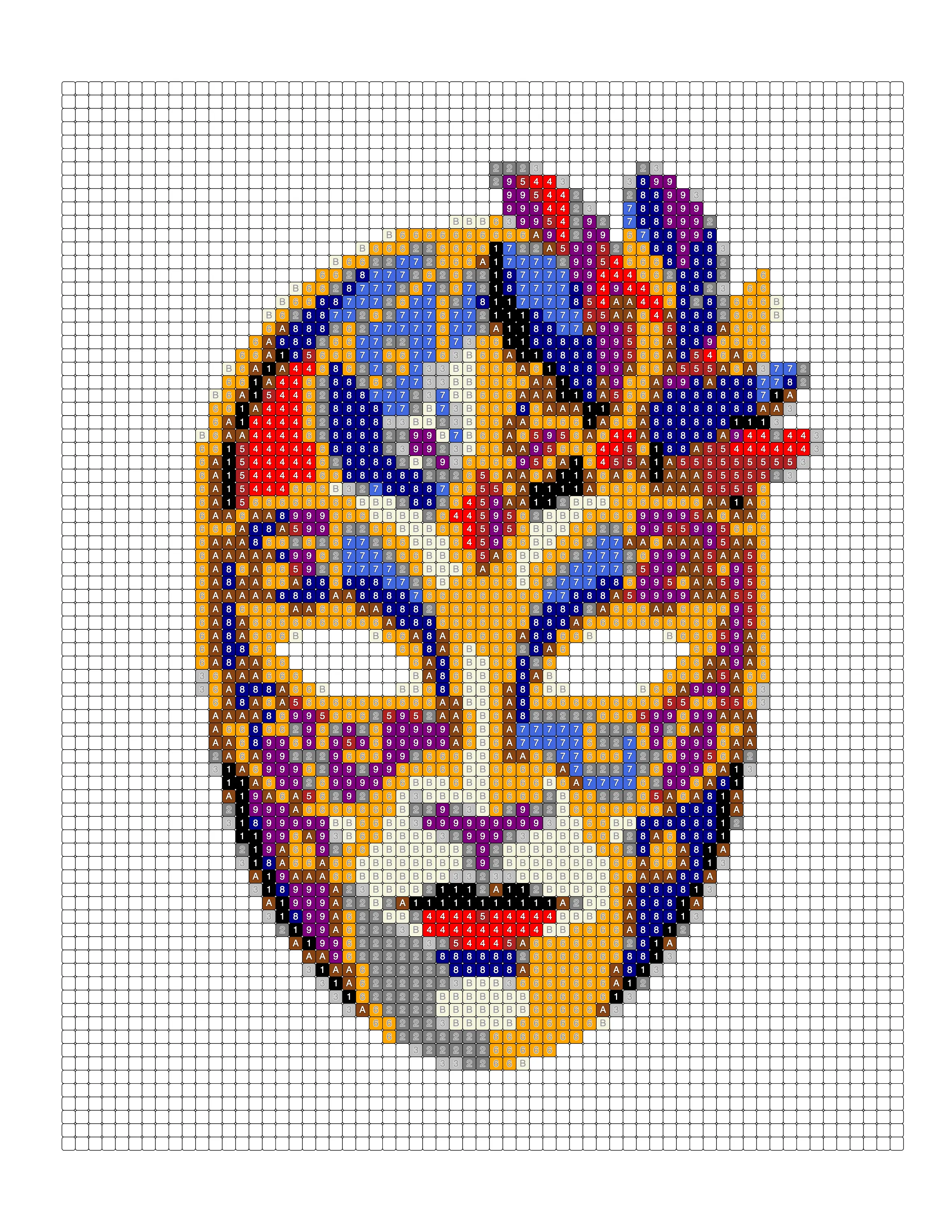
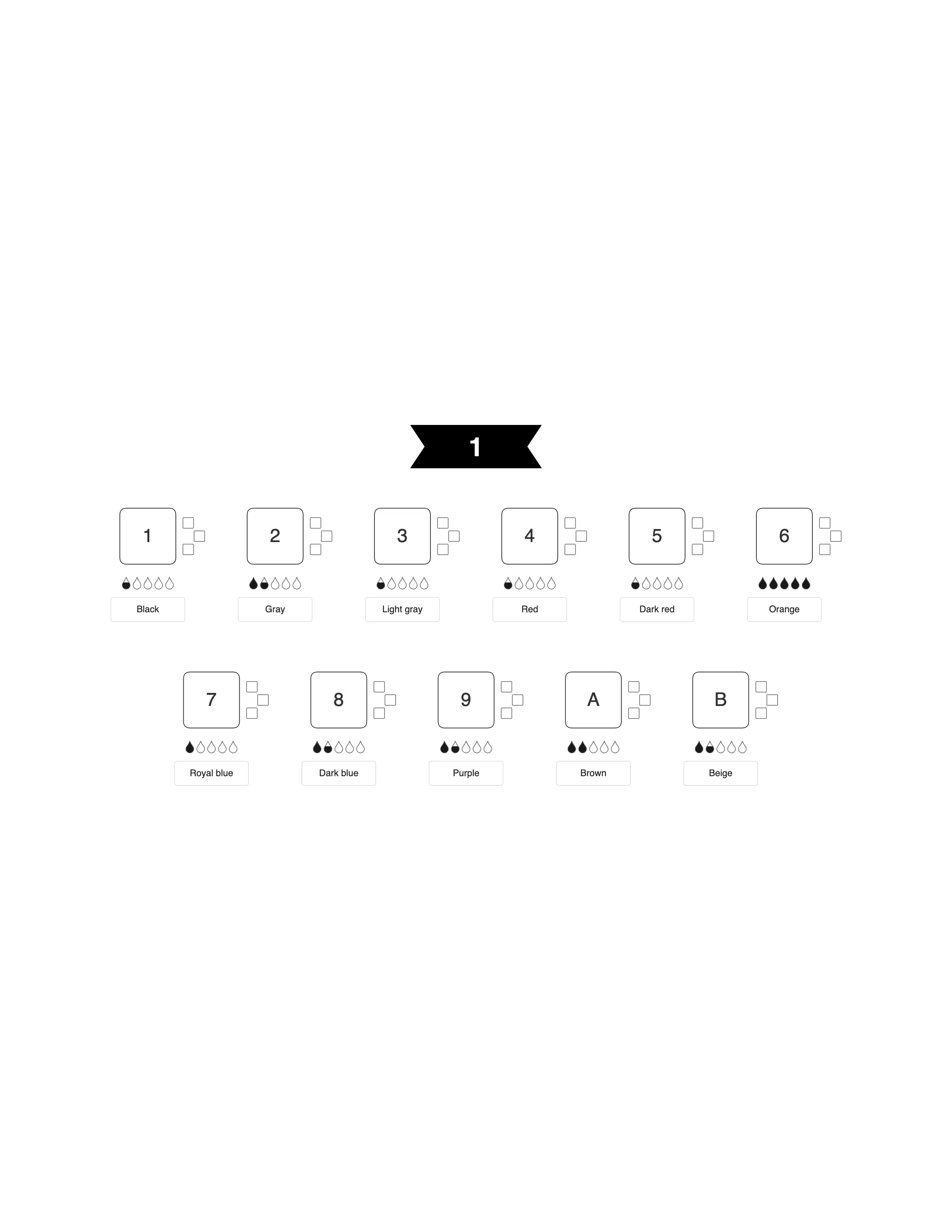
Square
Clean grid layout — the universal standard for any subject or style.
Color patterns
1 credit / pageMark patterns · one pen
1 credit / pageColored marks
1 credit / pageInside the KDP print area. A white border on all four sides keeps artwork in the safe zone.
No watermarks or stock art. Only the image you upload is converted — you need the rights to it.
Every KDP trim size. 8.5 × 11 in by default, or any of KDP's paperback sizes — with bleed and gutter margins set for you.
From a single page to a complete coloring book.
Selling coloring books on Amazon KDP or Etsy
- Upload 50–100 images and convert them in one batch with the same settings
- Numbered pages plus answer pages for the back of the book
- Any KDP trim size at 300 DPI — export as PDF, PNG or ZIP
Making a page for family, a class or a gift
- Turn one favourite photo into a numbered page in minutes
- Pick from many mosaic patterns and color counts
- Print at home — no account needed to try
What you can create
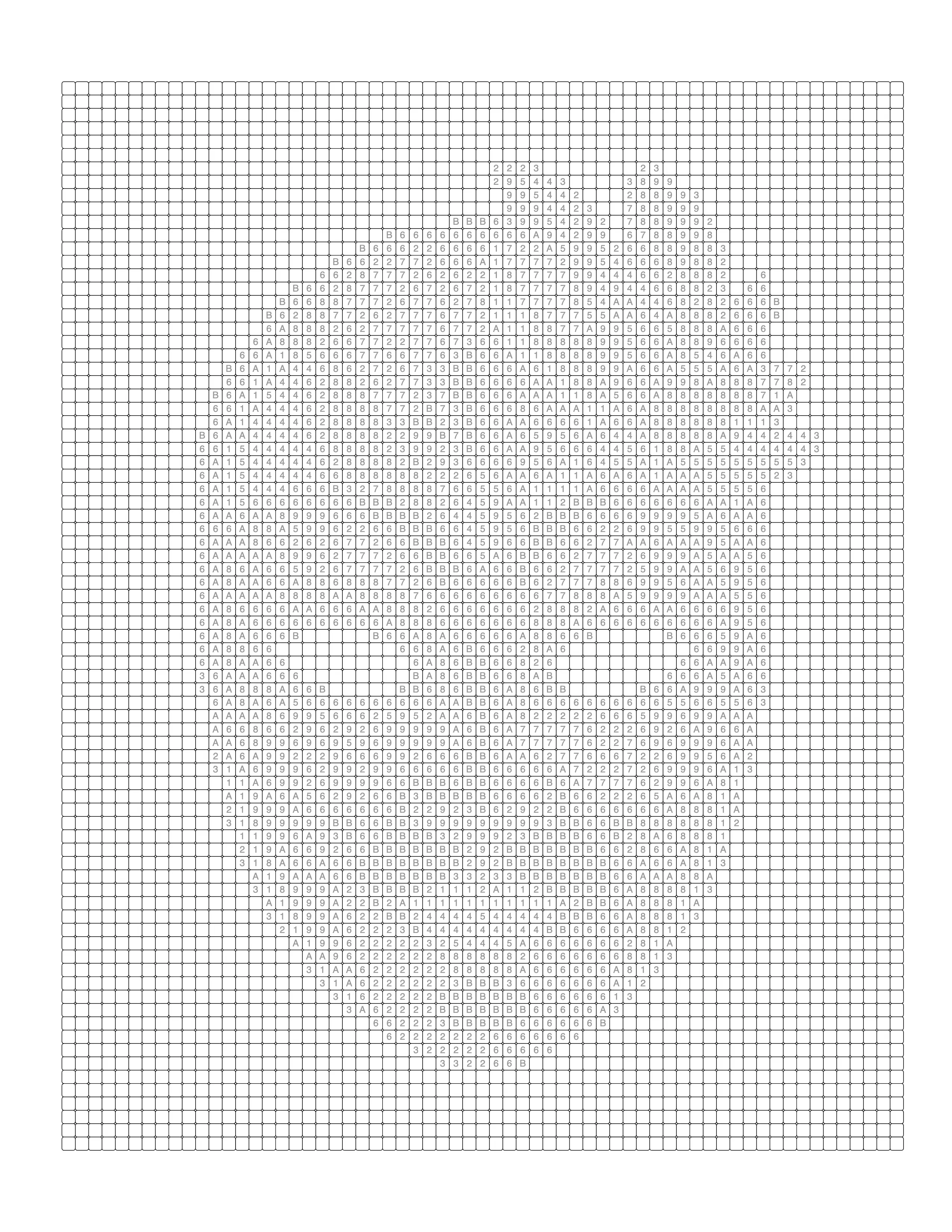
Color by Number
Turn your own photo into a numbered page with a matching color key.

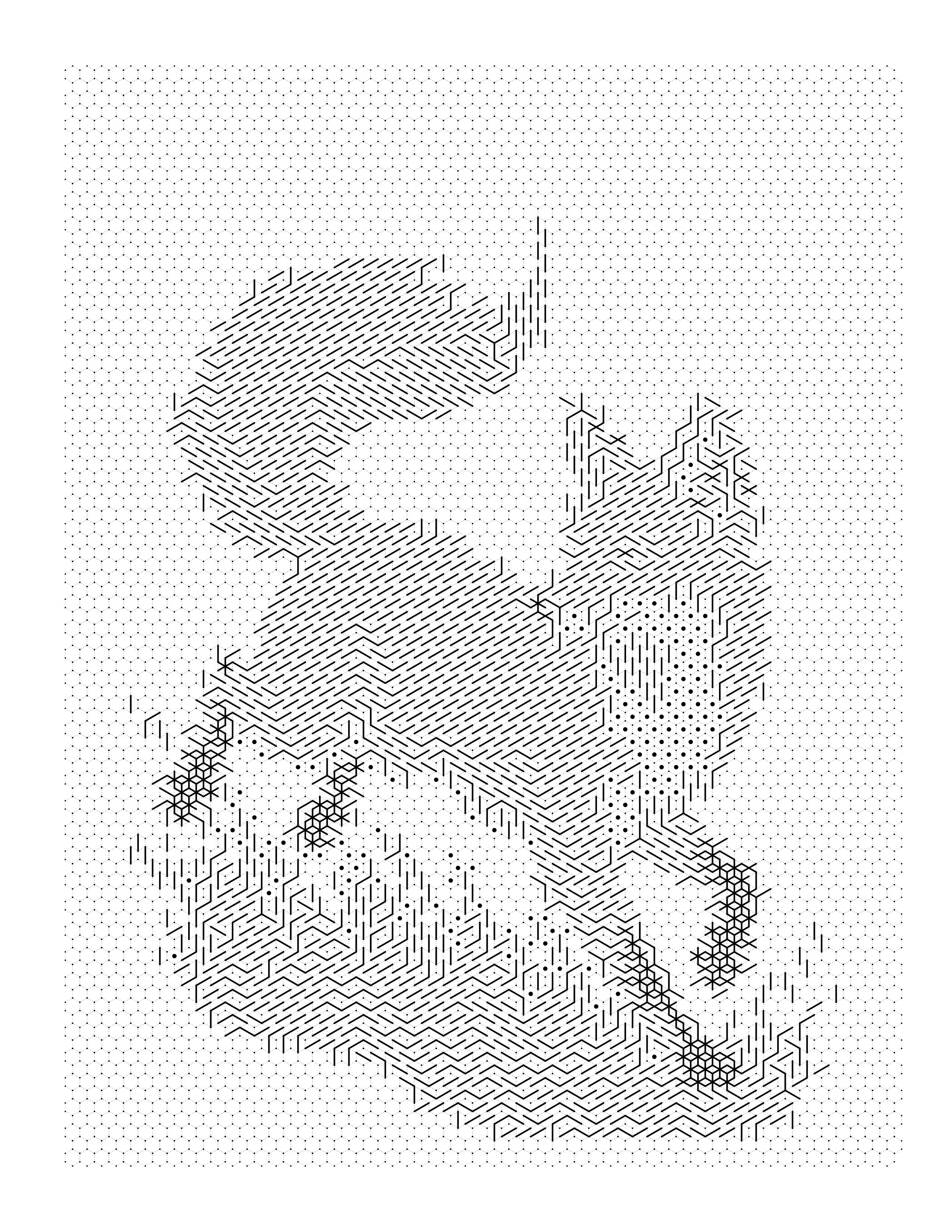
Monochrome Mystery
One color and a system of marks — the image appears as you work.

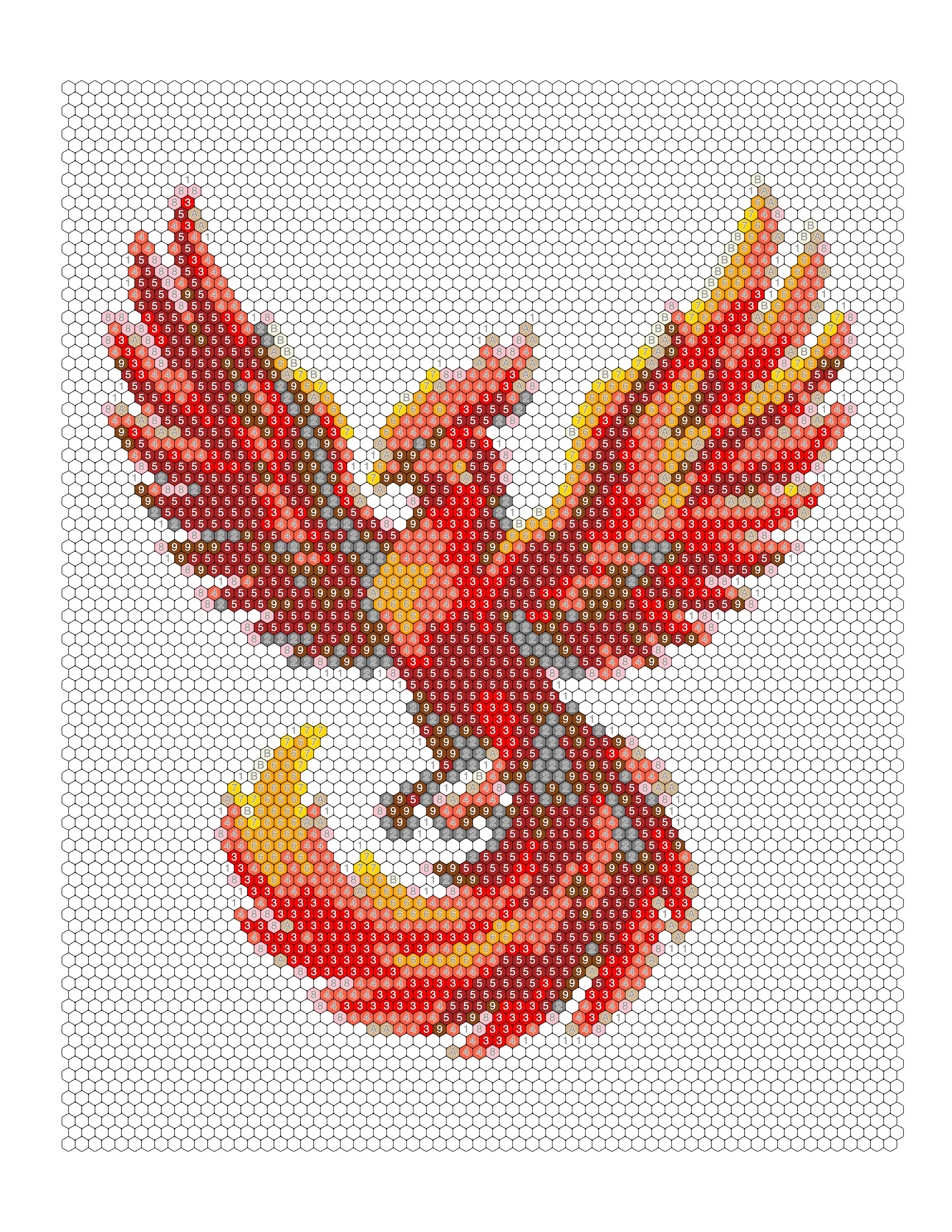
Mosaic Coloring Pages
Tile an image into hexagons, diamonds, puzzle pieces and more.
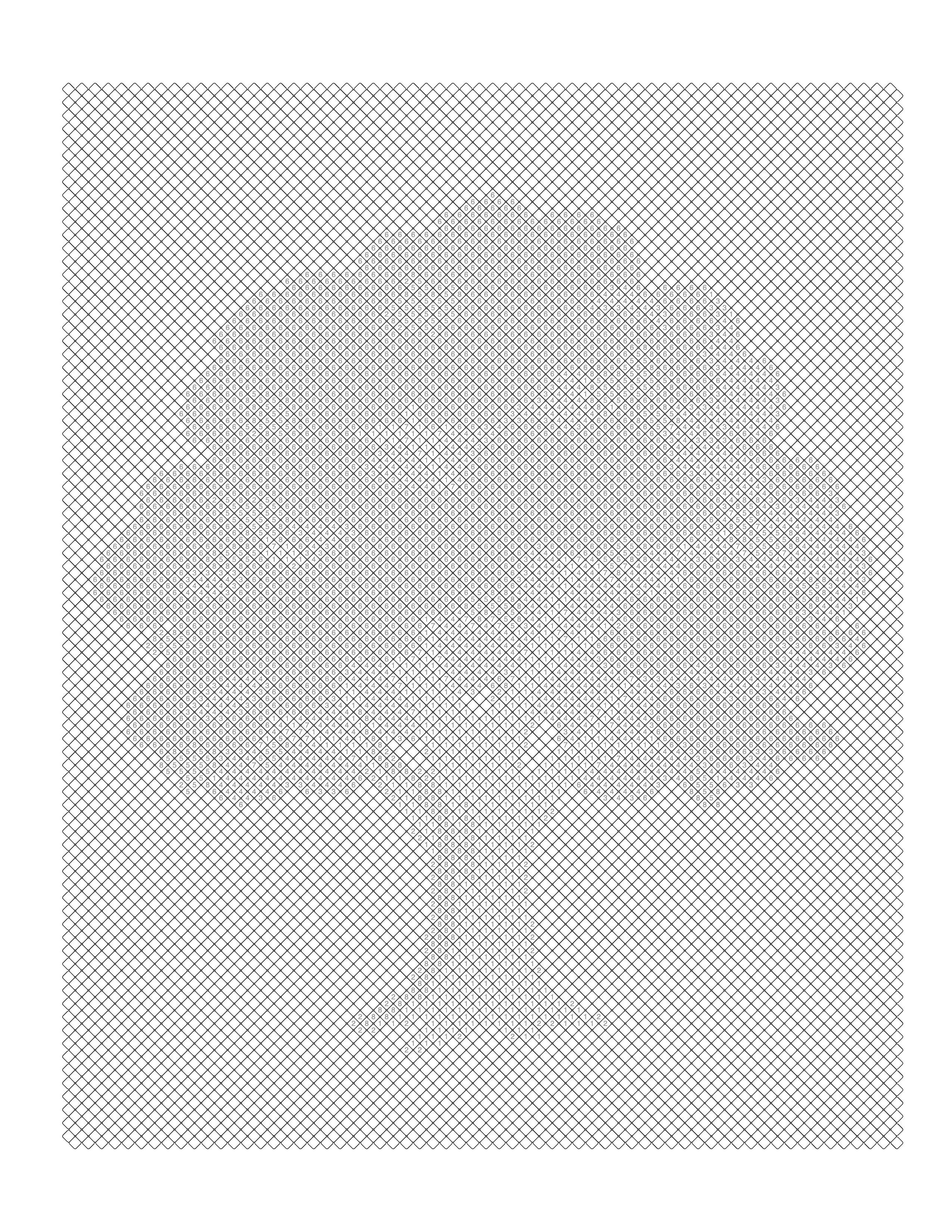
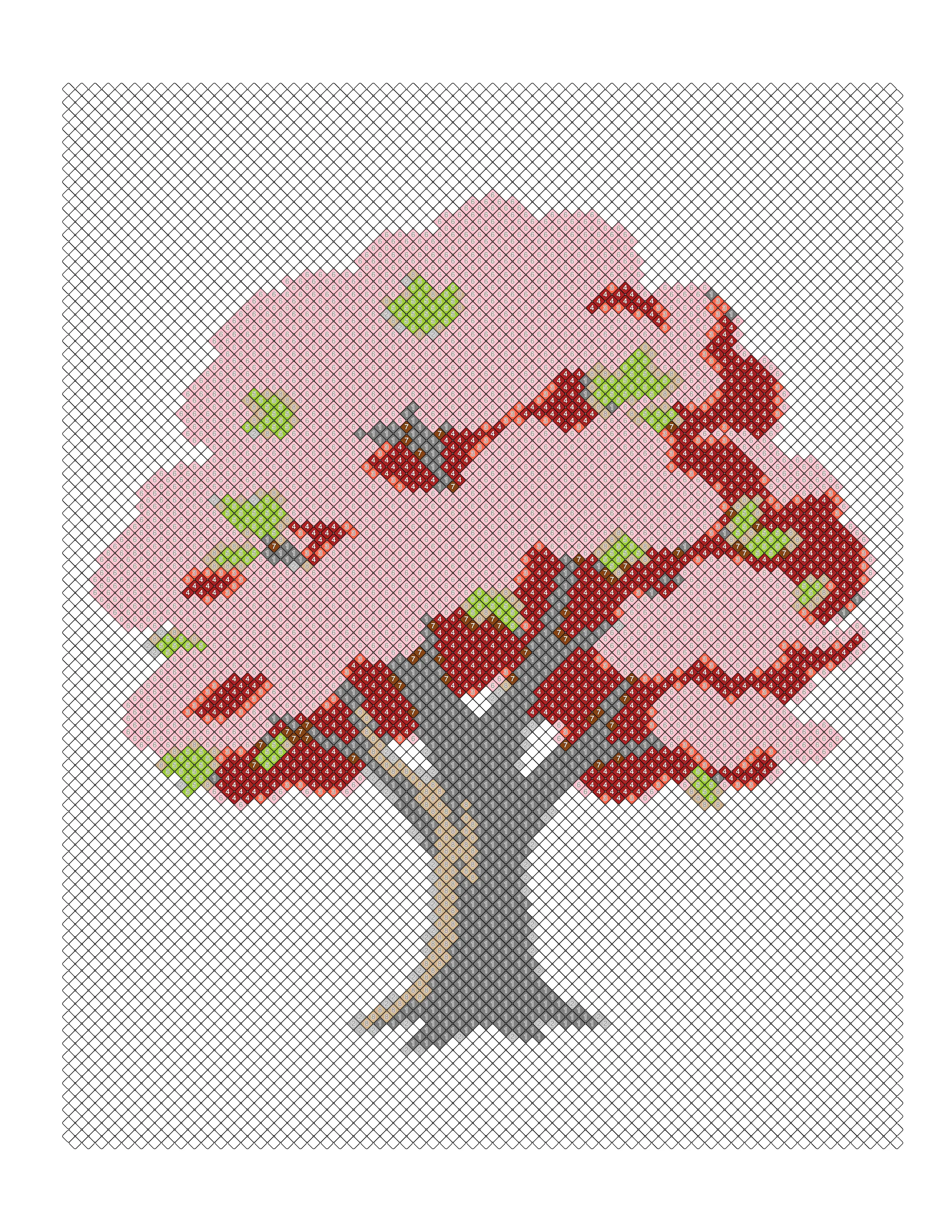
Coloring Book Interiors
Convert a folder of images in one batch and export a single PDF.
Start free. Pay only for the pages you make.
10 free credits every month. Purchased credit packs never expire — no subscription.
Starter
Top up and go
$0.090 per credit
- 100 credits
- All mosaic styles & themes
- High-res PNG + 300 DPI PDF export
- Credits never expire
Creator
Best balance of price and volume
$0.078 per credit
- 500 credits
- All mosaic styles & themes
- High-res PNG + 300 DPI PDF export
- Credits never expire
- 13% lower per-credit cost
Publisher
Lowest per-credit cost for large projects
$0.065 per credit
- 2,000 credits
- All mosaic styles & themes
- High-res PNG + 300 DPI PDF export
- Credits never expire
- 28% lower per-credit cost
Building a book to sell? Read how color by number for KDP works, or make custom pages from your own photos.
Your images never leave your device
Conversion runs in your browser, not on our servers. No API endpoint on this site accepts an image file — you can watch the network tab and see for yourself.
Genuinely print-ready files
Pages export at 300 DPI in any KDP paperback trim size, with the resolution written into the file so print services read it correctly instead of assuming 72.
Clear pricing, no subscription
Credits are a one-time purchase and do not expire. Adjusting settings is free; a credit is spent only when you download a finished file.
Payments handled by Paddle
Checkout runs on Paddle, our merchant of record. Card details go straight into Paddle's secure checkout and never reach our servers.
Questions before you start? support@mosacistudio.com · Refund policy · Commercial use license
- Definition
What is Mosaci Studio?
Mosaci Studio is a web-based SaaS application that converts photos into mosaic coloring pages and color-by-number artwork. Users upload a photograph, select a geometric mosaic grid style, and export a print-ready PDF suitable for Amazon KDP publishing, Etsy digital downloads, classroom worksheets, or personal use. No design skills or software installation is required.
Frequently asked questions
What is Mosaci Studio?
Mosaci Studio is a web-based SaaS application that converts photos into mosaic coloring pages and color-by-number artwork. You upload a photo, choose a mosaic style, and export a print-ready PDF — no design experience needed.
What is a mosaic coloring page?
A mosaic coloring page is a coloring sheet where the image is divided into a geometric grid — such as hexagons or squares — with each cell numbered according to a color key. The artist fills in each cell to reveal the original image in a mosaic tile style.
What is a color-by-number?
Color-by-number is a technique where an image is divided into sections, each labeled with a number that corresponds to a specific color. The artist matches each number to its color, gradually revealing the full picture. It is a popular format for adult coloring books and educational activities.
How does photo-to-coloring-page conversion work?
Mosaci analyzes your uploaded photo, reduces it to a clean color palette, divides it into a geometric grid, and assigns a number to each cell based on its color. The result is a numbered coloring page with an automatic color key, exported as a print-ready PDF.
Is Mosaci free to use?
Yes. Mosaci is pay-per-use — no subscription. Every account gets 10 free credits every month with no credit card required. Buy a credit pack when you need more; purchased credits never expire.
Can I use Mosaci to publish coloring books on Amazon KDP?
Yes. Mosaci exports print-ready PDFs sized and formatted for Amazon KDP paperback interiors, making it straightforward to self-publish coloring books.
What file formats can I upload?
Mosaci accepts JPG, PNG, and WebP images. For best results, use clear photos with good contrast and a well-defined subject.
Turn your photos into coloring books that sell
No design skills needed. Upload a photo, pick a style, export a print-ready PDF — ready for KDP in minutes.